Mobile 17
Maintenance Connection Canada
What you see
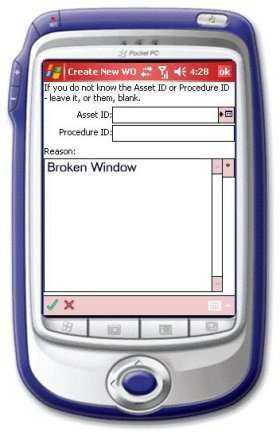
This is the opening screen to create a new work order. On this screen you can optionally add the asset and procedure IDs, if you know them. You can add all the new costs to this work order as well as update the appropriate status and add any other completion information.
Navigation
<div><p style='color:black'><font face="Arial">
              <img border="0" src="/files/littlebutton.gif" align="bottom" width="17" height="17">Tap or hover over and click the check button<img border="0" src="/files/okbtn.jpg" width="21" height="19"> to go back to the W/O list screen</font></p></div>